Free Credits with GCash or Maya: When Your Cash-In Becomes Playable
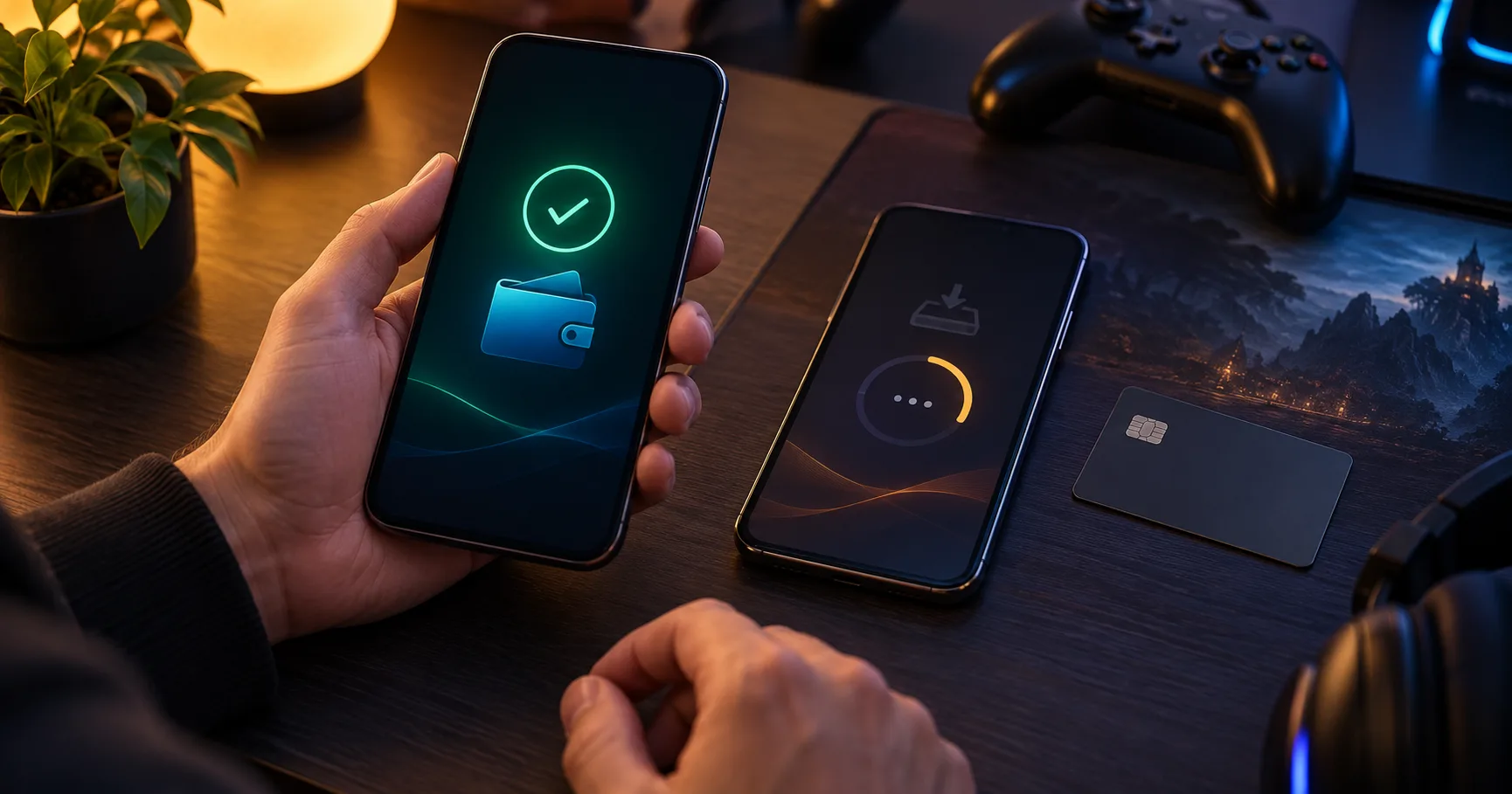
A wallet payment can be complete while Free Credits are still unavailable. The wallet, the game cashier, and the offer each record a different event. A debit proves money left your e-wallet; it does not prove the cashier posted a deposit or that the deposit met the offer conditions. For a weekend player planning a longer session, that distinction matters more than the speed of the payment screen. Check which event the offer requires before deciding how much to send.
Three events stand between payment and play
A cash-in normally moves through three checkpoints: the e-wallet accepts the payment, the cashier records the deposit, and the offer system decides whether it qualifies. The order matters. An offer tied to a completed deposit cannot be judged from a wallet debit alone, because the cashier may still be waiting for confirmation or matching the transaction to an account.
Even after the deposit appears, Free Credits may remain separate from deposited money. An offer might require a minimum deposit, a claim action, or a particular payment route. Those conditions vary, so read the Bonus terms shown for the offer you intend to use. The useful question is not simply whether the wallet sent money. It is whether the posted deposit satisfies every condition that triggers the credit.
For a longer session, check both balances before starting. Deposited money may become playable while promotional credit is still pending or ineligible. Seeing one balance change is evidence about that balance only.
GCash and Maya side by side
Neither e-wallet is automatically the better route to Free Credits. The useful comparison is the route available in your cashier, the amount it will accept, and the conditions attached to the offer. These can differ by account or payment method, so compare the displayed screens before authorizing a transfer.
GCash wins for a particular session when it is available, its full cost fits your budget, and its deposit satisfies the offer. Maya wins under those same conditions when its route fits better. If both qualify and cost the same, use the wallet that already holds the money you allocated for play. Moving funds between wallets adds another step that can delay a planned session.
Check the amounts before opening a payment prompt
Several minimums can appear in one cash-in. A wallet or payment route may limit the amount it can send, the cashier may set a deposit minimum, and the offer may require a higher qualifying deposit. Meeting the first two can produce a usable cash balance without producing Free Credits. Any displayed fee also changes what leaves your wallet or reaches the cashier, depending on how that route applies it.
Check the cashier’s minimum deposit for the selected route, then compare it with the amount you can comfortably allocate to the session.
Check the offer’s qualifying deposit threshold separately, because an accepted cash-in may still be too small to trigger Free Credits.
Check whether the offer names eligible e-wallets, account types, or claim steps before treating either payment route as qualifying.
Check the final payment screen for a fee and the amount to be credited; use those displayed figures in your calculation.
Check that the recipient and payment prompt came from the cashier flow you opened, especially if a prompt has expired and you restarted.
A Promo Code may also be a claim condition if the offer explicitly requires one. In that case, follow the order shown in the terms. Entering a code after payment may not have the same result as entering it before confirmation. Do not add a code simply because another offer used one.
A hypothetical PHP 500 cash-in, worked through
Hypothetical example: Assume a player has PHP 620 in an e-wallet and sets a PHP 500 cash-in budget. Suppose the selected route accepts deposits from PHP 300, charges no fee, and the Free Credits offer requires a completed deposit of at least PHP 500 through that route. Suppose it grants PHP 100 in promotional credit after the qualifying deposit posts. These are invented figures for the calculation, not the terms of any real offer.

The player sends PHP 500, leaving PHP 120 in the wallet: PHP 620 minus PHP 500. A successful wallet payment shows that PHP 500 was sent. If the cashier then posts the full PHP 500 to the correct account, the route minimum is met because PHP 500 exceeds PHP 300. The offer threshold is also met because the posted deposit equals PHP 500. Once any required claim step is complete, the assumed PHP 100 could appear as a separate promotional balance. The two balances would total PHP 600 for play only if the offer permits both to be used; that total does not establish how much could later be withdrawn.
Change just one input and the outcome changes. A PHP 300 deposit would still meet this hypothetical cashier minimum, but it would fall PHP 200 short of the offer threshold. A wallet receipt for PHP 500 without a posted cashier deposit would not yet settle offer eligibility. Those are different problems with different next checks.
Timing depends on the checkpoint you are watching
There is no useful universal countdown from tapping pay to seeing Free Credits. Each checkpoint can update at a different time, and the page you are watching may need a refresh. A wallet confirmation is the earliest record; the cashier ledger is the record of deposited funds; the offer balance or claim status is the record of promotional credit. Judge a delay against the missing checkpoint.
After authorizing payment, confirm whether the e-wallet shows a completed transfer rather than a pending or failed attempt.
Open the cashier history and look for the matching deposit amount and account, allowing its displayed status to update.
Once the deposit posts, inspect the offer status and complete any claim action the displayed terms require.
Refresh the balance view once if the ledger has updated but the main screen still shows its earlier amount.
If the records remain inconsistent, save the transaction reference and screenshots before contacting the support channel inside the site.
For a weekend session, allow room in your schedule for these checks. If play depends on the credit appearing immediately, a route with an unclear status creates more uncertainty than a route whose cashier record you can follow. The decisive evidence is the status at each checkpoint, not an assumed number of minutes.
When a cash-in does not produce Free Credits
A missing credit does not identify a single cause. Start with the earliest checkpoint that lacks confirmation. If the wallet still shows a pending payment, sending again could create a second transaction. If the wallet shows completion but the cashier has no matching deposit, the issue is payment matching. If the cashier has the deposit but the offer has not changed, inspect eligibility and claim conditions.

Check whether the wallet transaction is pending, failed, or complete before attempting another payment from either e-wallet.
Match the deposit amount and account in cashier history against the wallet record, including any fee shown during payment.
Compare the posted amount with the offer threshold; a deposit can be accepted while remaining below the qualifying amount.
Confirm that the selected e-wallet and the timing of any required claim step match the offer’s displayed conditions.
Send support the relevant transaction reference and status screenshots if the wallet and cashier records still disagree.
Do not assume an extra deposit will repair an earlier one. A new cash-in may be assessed as a separate transaction, and whether deposits can be combined depends on the offer terms. For a player with a fixed weekend budget, resolving the first record before sending more money keeps the decision tied to evidence.
Choose the route for the session you actually planned
Pick the available e-wallet route that accepts your intended amount and qualifies under the offer you can see. If the offer threshold is higher than your planned spend, skip the credit rather than increasing the session budget to chase it. An accepted deposit can still fund play without promotional credit.
Before starting a longer session, confirm the posted cash balance and the separate Free Credits status. That final check tells you what is available now. It also gives you a clear record if the wallet payment, cashier deposit, and offer result do not line up.